



















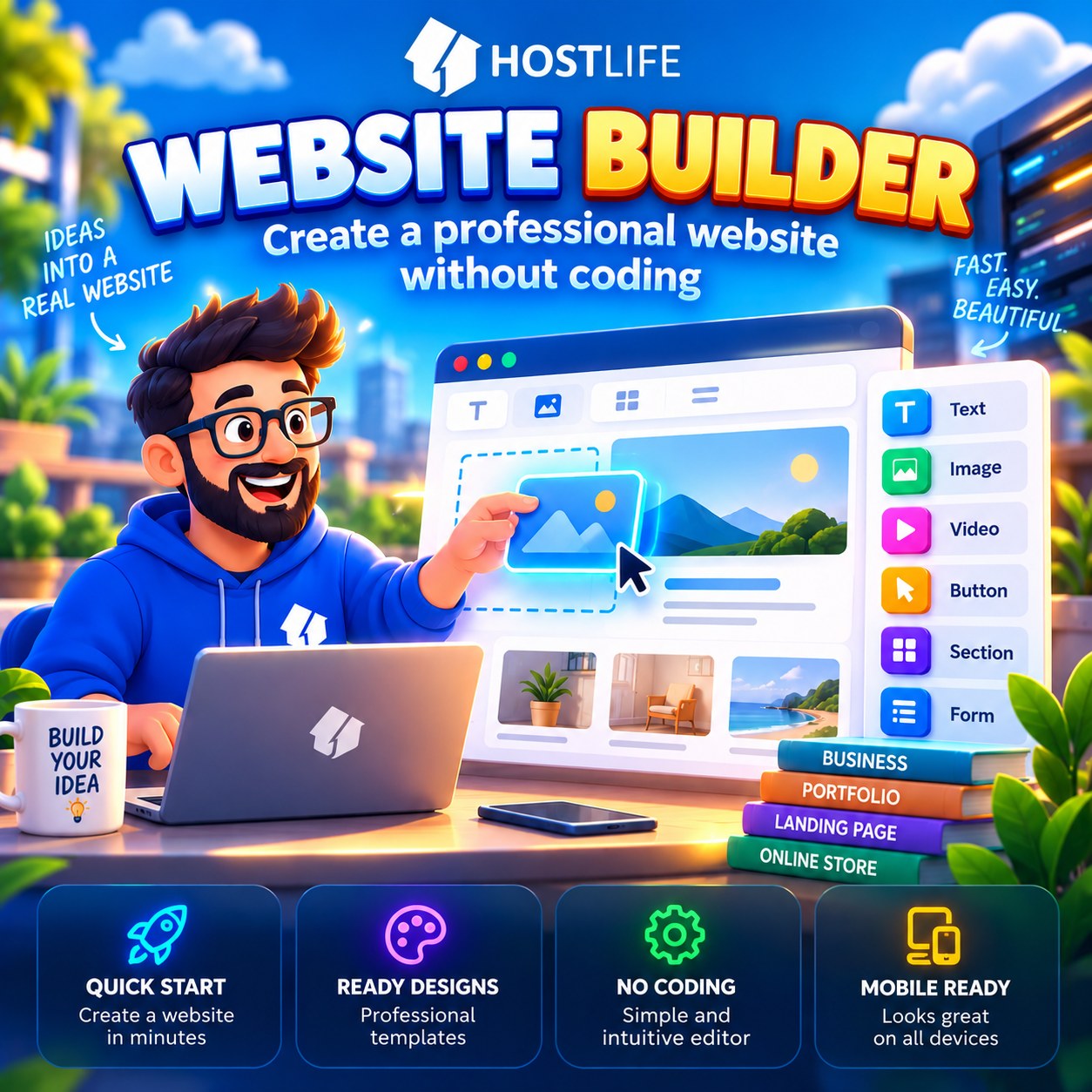
You don't need to learn programming, master a CMS, or hire a developer to launch a website. For many projects, there's a simpler option: a website builder.
It allows you to assemble pages from ready-made blocks, choose a design, add text and images, and then publish the result. But is this approach right for everyone? Let's look at when a website builder is genuinely useful and when a CMS or another solution might be a better choice.
What is a website builder?
A website builder is a tool that lets you create a website visually. Instead of writing code, you work with ready-made elements such as headings, text blocks, images, buttons, forms, and other components.
The process usually looks like this:
- choose a suitable design;
- add and edit blocks;
- insert your own text and images;
- configure your pages;
- check how the site looks on mobile devices;
- publish the website.
You don't need to install a CMS, choose plugins, or configure the server environment yourself to get started.
What types of projects are website builders suitable for?
A website builder is particularly useful when you need to launch a website quickly with a straightforward structure and no complex functionality.
For example:
Company website — information about services, contact details, and business description.
Professional website — portfolio, work samples, and a contact form.
Landing page — a presentation of a product, service, or specific offer.
Small informational website — pages about a project, team, or event.
Simple online store — provided the builder's features meet your e-commerce requirements.
The main advantage is speed. You don't have to start from a blank project and build everything yourself.
Website builder or CMS — which should you choose?
There is no universal answer. It depends on the kind of website you want to create and how you plan to develop it in the future.
Getting started. A website builder usually lets you start creating pages almost immediately. A CMS such as WordPress requires some initial setup, although many hosting providers make installation easier.
Creating pages. With a website builder, you use a visual editor and ready-made blocks. A CMS lets you work with themes, editors, and additional extensions.
Programming. Basic website builder features generally don't require programming skills. A CMS also allows you to create simple websites without writing code, but more complex customizations may require additional knowledge.
Extending functionality. A website builder's capabilities depend on the tools provided by its developer. With a CMS, much depends on the available plugins, extensions, and integrations.
Custom development. In a website builder, customization may be limited by the platform's capabilities. A CMS generally offers more flexibility for non-standard solutions.
Maintenance. A website builder simplifies many technical tasks. With a CMS, you need to keep track of updates, security, and component compatibility.
If you need a small website that you can build quickly and maintain yourself, a website builder is often the more convenient option.
If your project requires a complex structure, custom functionality, numerous integrations, or room to grow into a large content platform, consider a CMS.
Learn more about choosing a platform and suitable hosting in our article "How to Choose a CMS for Your Website and Which Hosting Does It Need".
What limitations should you consider?
A website builder's simplicity doesn't mean it's suitable for every project.
Before getting started, it's worth checking a few things:
Design. Can you customize the template flexibly enough to meet your needs?
Functionality. Are the necessary forms, integrations, and other tools available?
SEO. Can you edit page titles, metadata, and URLs?
Mobile compatibility. Does the website display correctly on smartphones?
Future growth. Will the builder's capabilities be sufficient in a year or two?
Portability. Can you move the website to another platform if necessary, and in what form are its files and data available?
The last point is particularly important: moving a website between builders is not always straightforward. It's best to understand the limitations before investing a lot of time in building your project.
What if your website already exists?
You don't always have to start from scratch. The HOSTLIFE website builder offers the ability to import an existing website. This can be useful if you want to try a different way of managing pages or refresh your design.
However, before migrating, check whether your particular website is compatible and make sure that the required pages, forms, URLs, and other important elements are preserved.
Where should you start?
If you haven't decided on a platform yet, start with a simple question: what exactly should your website do?
For a company presentation, portfolio, or landing page, a website builder may be the fastest solution. For a complex project with plans for significant expansion, it's worth evaluating the capabilities of a CMS in advance.
Explore the available features on the HOSTLIFE Website Builder page.
The bottom line
A website builder is neither a replacement for every CMS nor a universal tool for every situation. It's a way to simplify website creation when speed, convenience, and freedom from programming are the priorities.
Don't make launching a website more complicated than it needs to be. Choose a tool that fits your project's actual needs, start with the essentials, and expand your website as it grows.